

https://mcp.autoadify.com/mcp
Get started
- Claude
- ChatGPT
- Others
Works on Claude Pro, Max and Enterprise, on the web and desktop apps.
1
Add the connector
In Claude, go to Settings → Connectors and click Add custom connector.
2
Paste the URL
Name it Autoadify and paste the server URL.
3
Sign in
Click Connect, sign in to Autoadify and approve.
4
Use it
In a chat, turn on Autoadify from the + menu → Connectors.
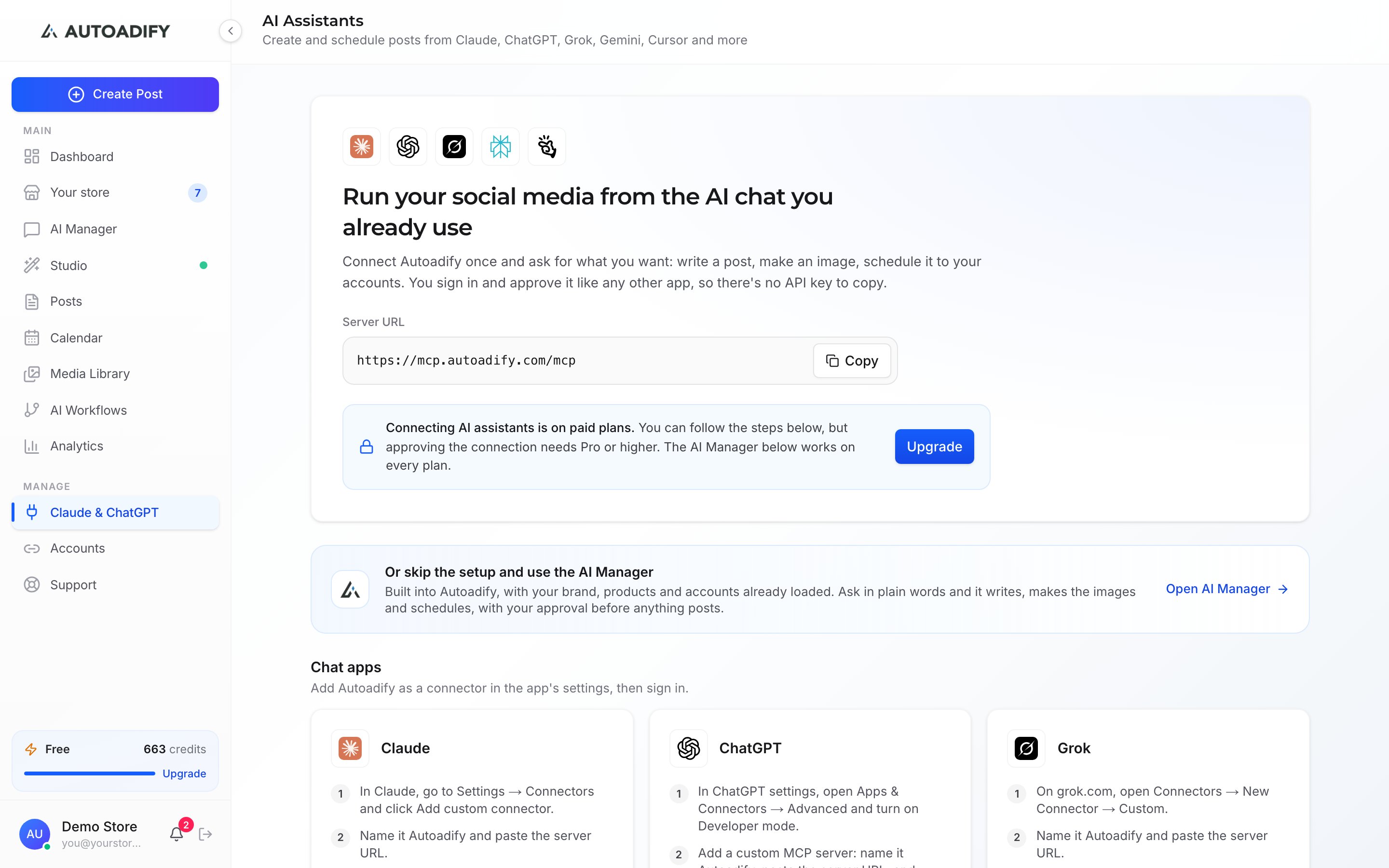
The Claude & ChatGPT page in Autoadify
Things to ask
- Turn this blog link into drafts for X, Threads and LinkedIn.
- Make a square image for this post and attach it.
- Schedule my three newest products for Instagram next week.