

Get started
1
Open Media Library
Click Media Library in the sidebar.
2
Upload or filter
Drag files in, or filter by My uploads, AI generated, Images, Videos or Documents.
3
Pick a file
Click it to see what you can do with it.
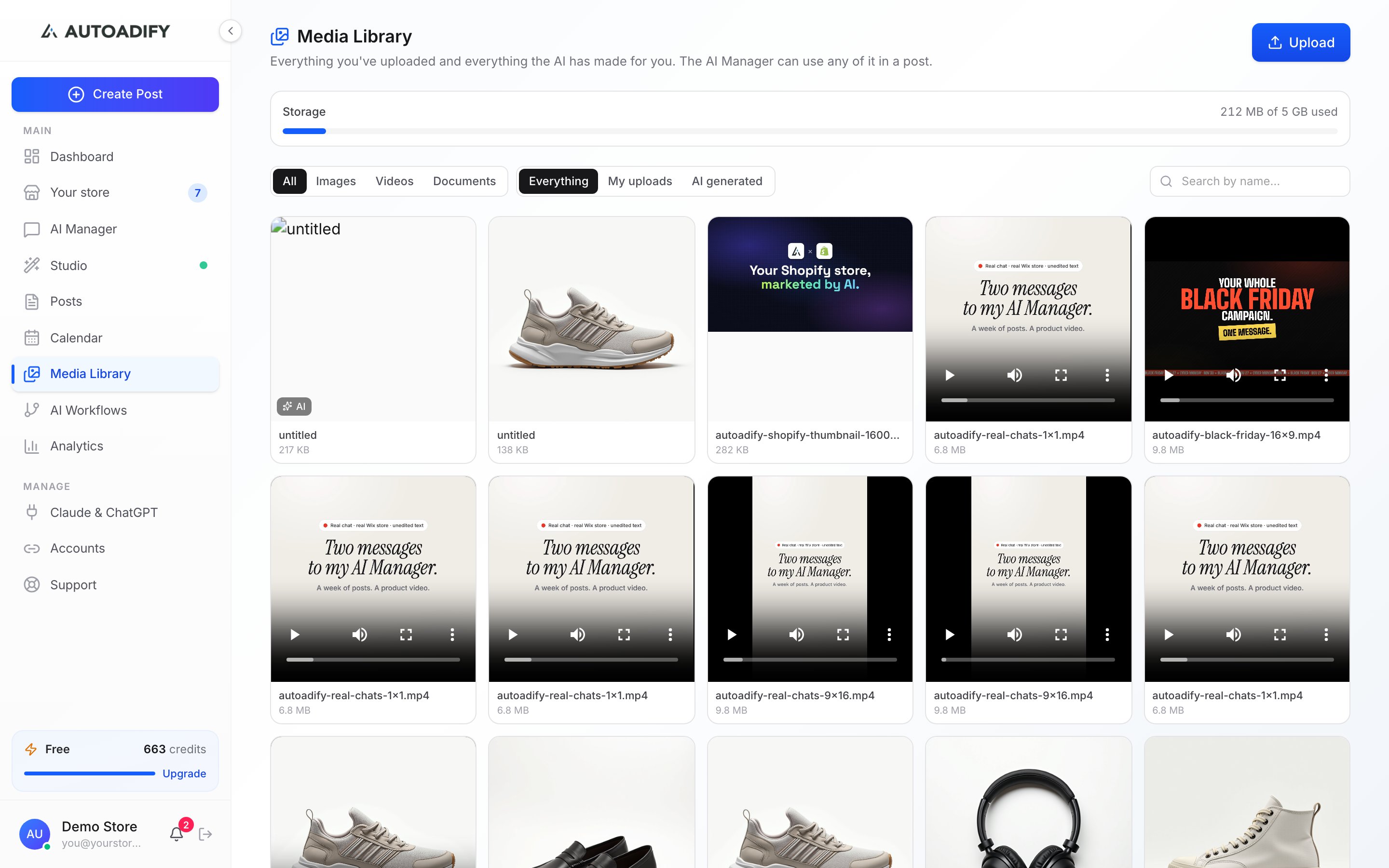
The Media Library
How to use it
From any image you can:- Open in Studio to edit it in the full editor
- Remove the background, place it in a new scene, add your logo, or animate it into a 5-second clip
- Design on top of it: hover and click the shapes icon to add text, your logo, stickers and templates (design editor)
- Use it in a post