

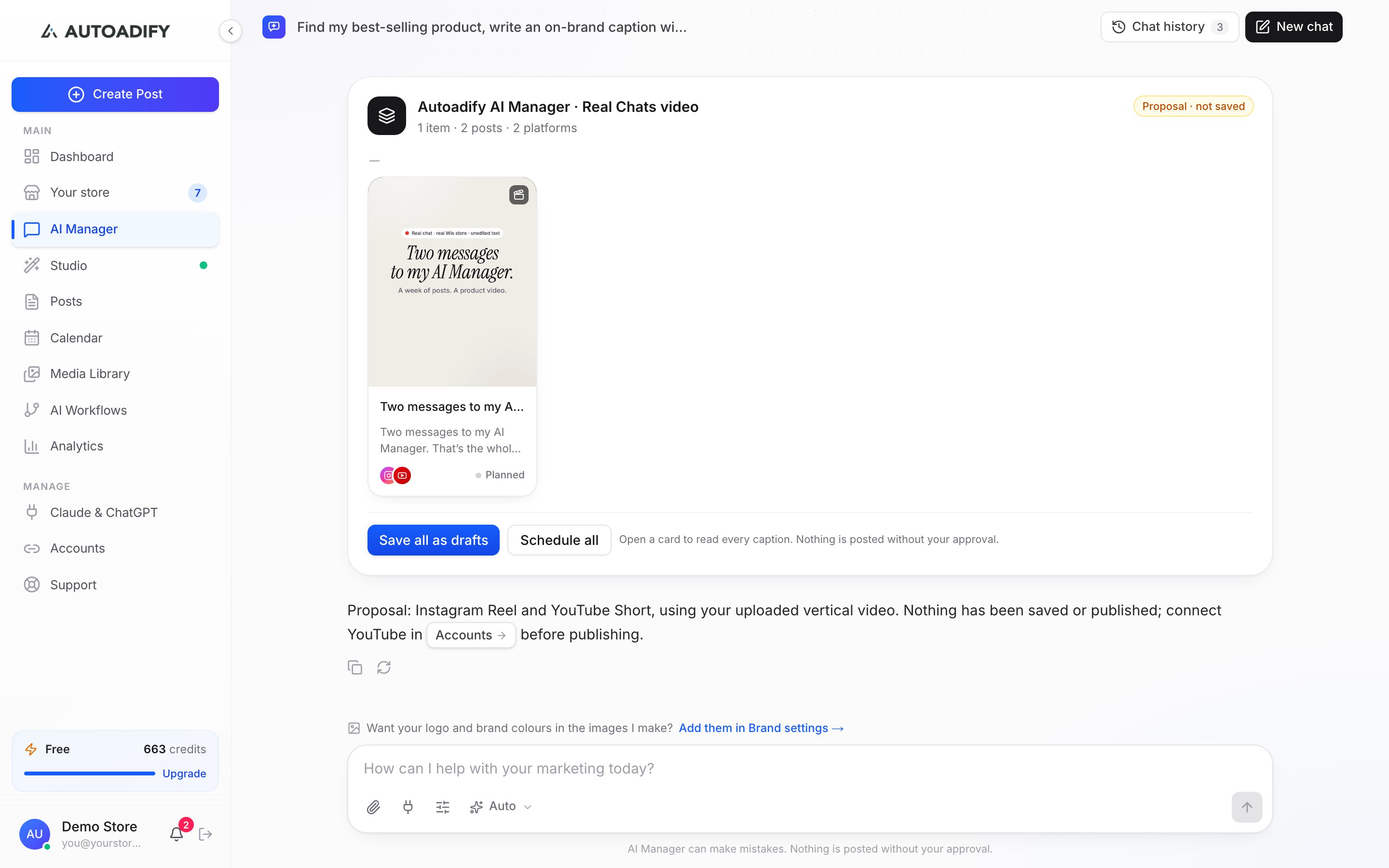
A plan card: open any post to read its caption, then save or schedule them all
Get started
1
Ask for a plan
For example: Plan a week of Instagram posts for my best-selling products, one a day at 7pm, using their store photos.
2
Review the card
Click any post to read its full caption and check its image, time and platforms. Ask for changes in the chat: make Wednesday’s caption shorter, use a different photo for Friday.
3
Save or schedule
Save all as drafts puts them in your drafts to finish later. Schedule all asks for your approval, then schedules every post.
Two kinds of plan
Runs in the background
A big plan (a week or a month) keeps going after you close the tab. The card fills in live as each post is made and scheduled; come back any time to see progress. Scheduled posts appear on your Calendar.Posts for an account you haven’t connected yet are skipped and marked on the card. Connect it under Accounts and ask the AI Manager to add them again.