

Before you start
- Your Wix site needs Wix Stores (the Wix online store app) with products in it.
- You need to be the site owner, or have permission to install apps.
Steps
1
Open the connect dialog
Go to Your store (or Accounts → Integrations) and click Connect next to Wix.
2
Continue to Wix
Click Continue to Wix and sign in to your Wix account.
3
Pick your site
Choose the site that has your store.
4
Install Autoadify
Approve the install. Autoadify only reads your products and never changes your store.
5
Come back to Autoadify
Wix brings you straight back. Your products sync and your first week is drafted.
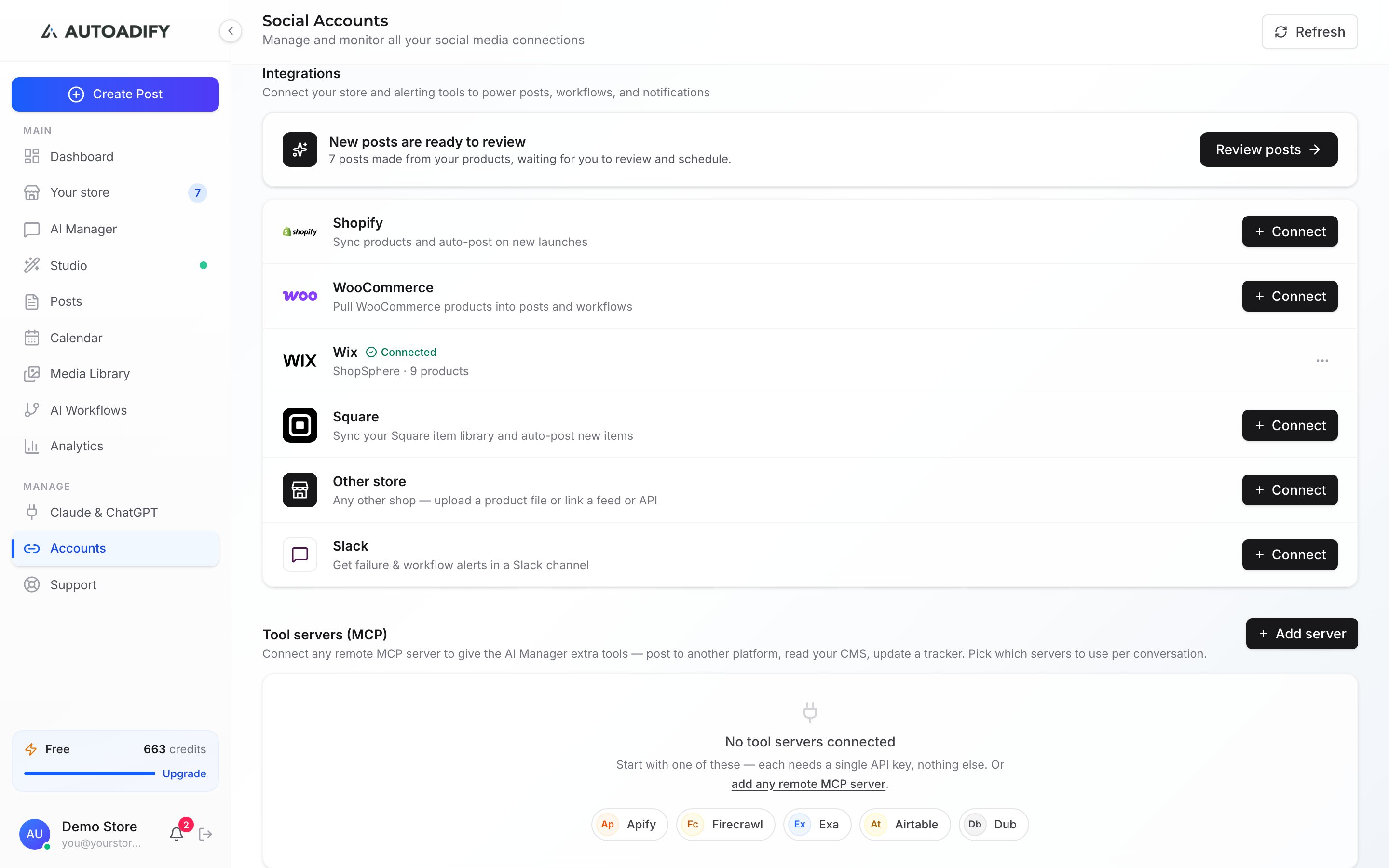
Integrations: Wix connected, with its product count