

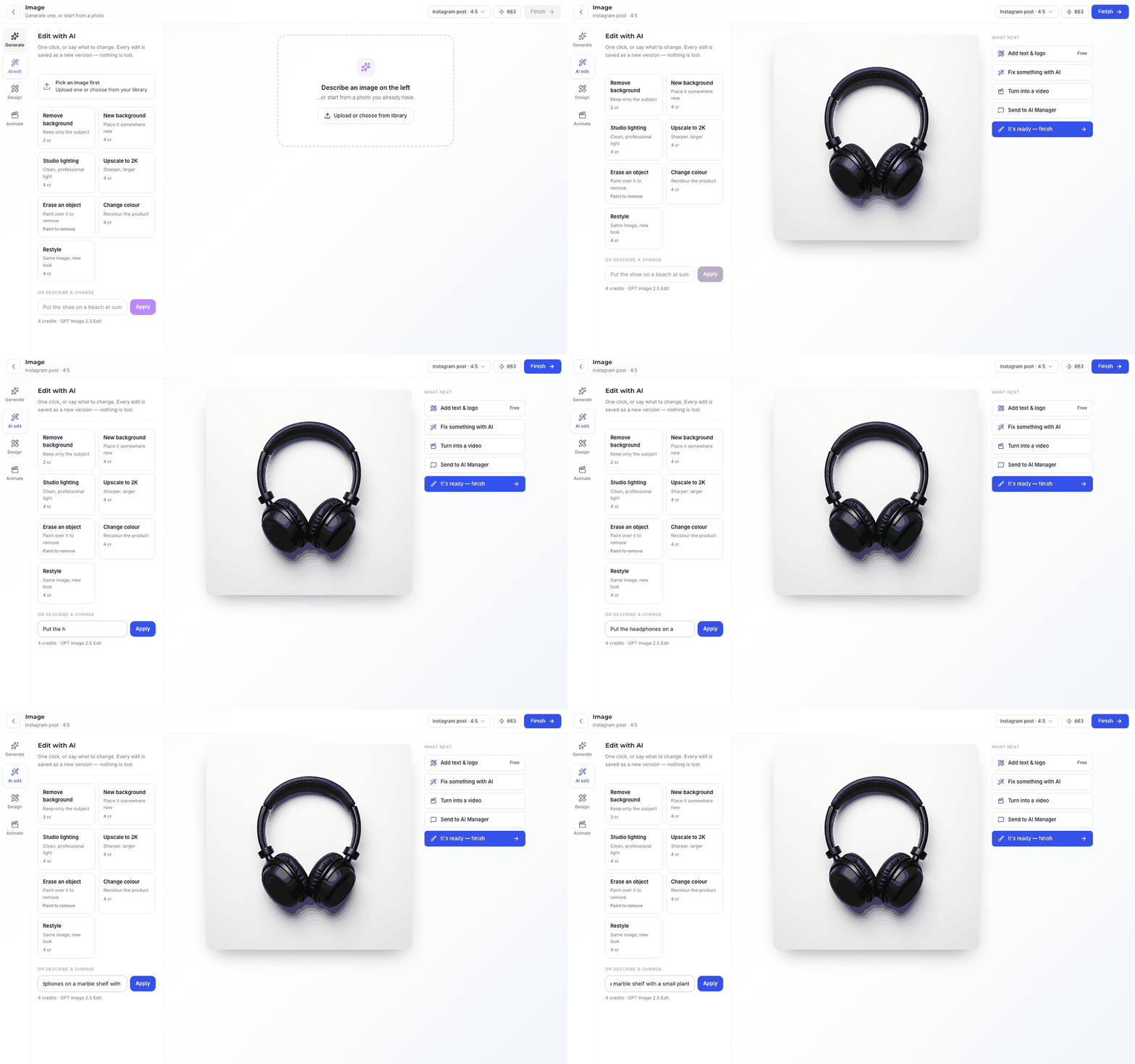
Pick a photo, then click a one-click edit or describe the change
Get started
1
Open a photo
In Studio → Image, choose AI edit on the left and pick a photo. You can also open one from the Media Library and choose Open in Studio.
2
Pick an edit, or describe one
Click a one-click edit, or type a change under Or describe a change and click Apply, for example Put the shoe on a beach at sunset. Most edits cost 4 credits.
3
Compare versions
Every edit is saved as a new version, so nothing is lost. Switch between them under Versions.
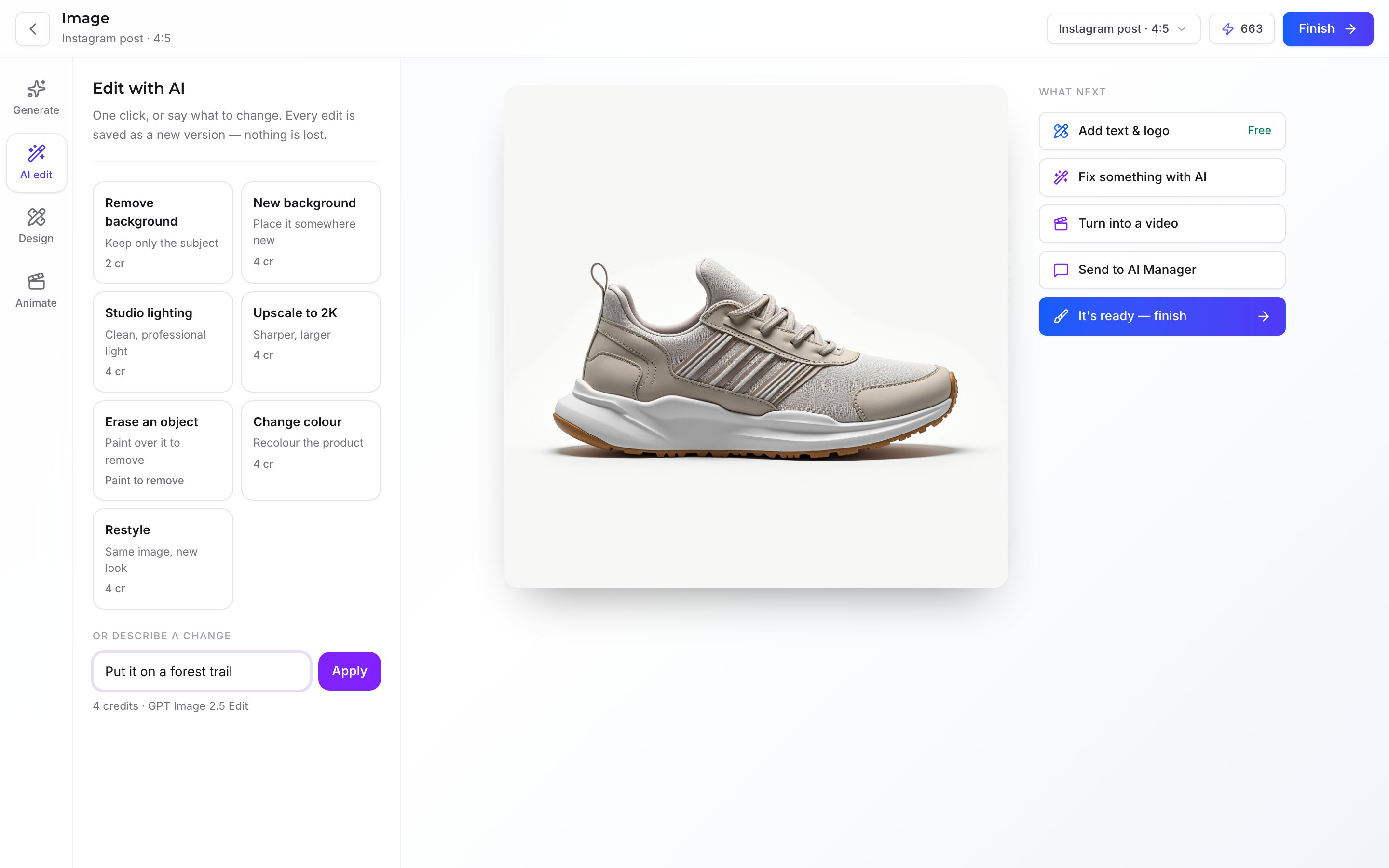
AI edit tools
One-click edits
What next
The panel on the right takes the photo further:- Add text & logo opens the design editor. Free.
- Fix something with AI describes another change.
- Turn into a video opens Make videos with this photo as the start frame.
- Send to AI Manager has it write captions and schedule the post.
- It’s ready — finish goes to Finish.