

Voiceover
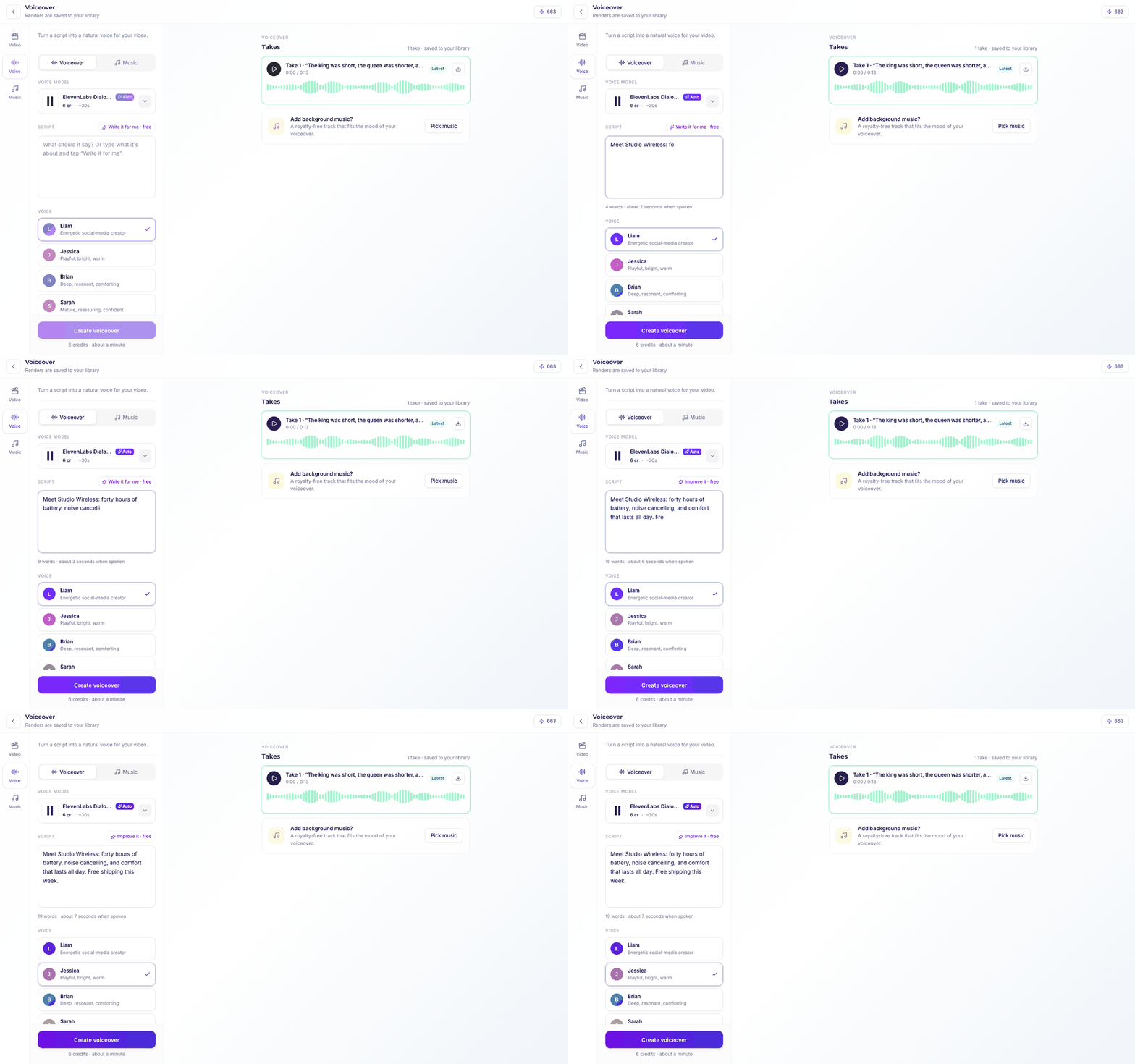
Write the script, pick a voice, and check the price on the button
1
Open Voiceover
In Studio, choose Voice & music, then Voiceover.
2
Write the script
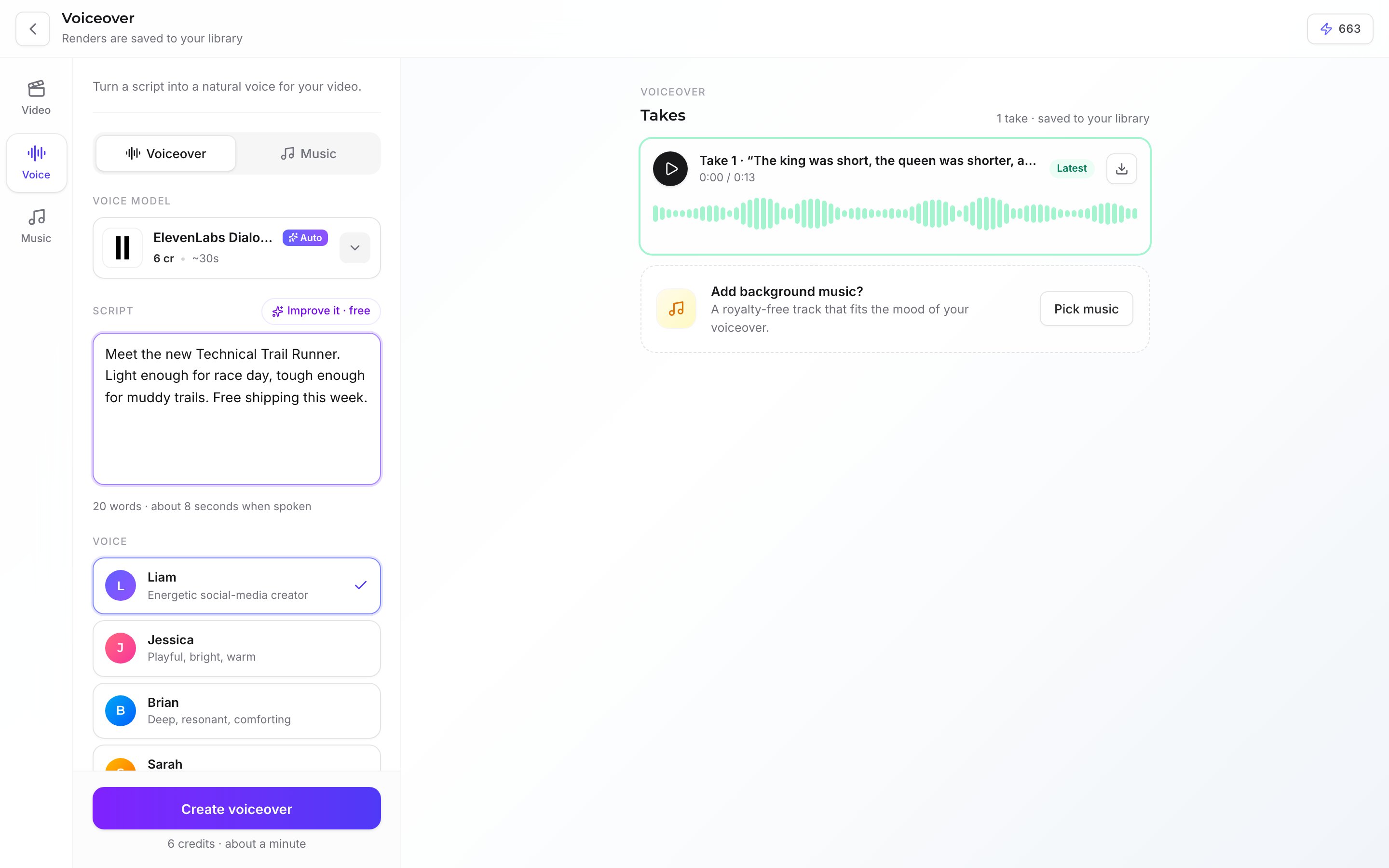
Type what it should say. Or type what it’s about and tap Write it for me: you get about 35 words, roughly 12 seconds spoken.
3
Pick a voice
Tap Hear an example to preview each voice.
4
Add music (optional) and render
Click Create voiceover. It costs about 6 credits and takes about a minute. To put music under it, click Pick music next to Add background music?
Voiceover
Background music
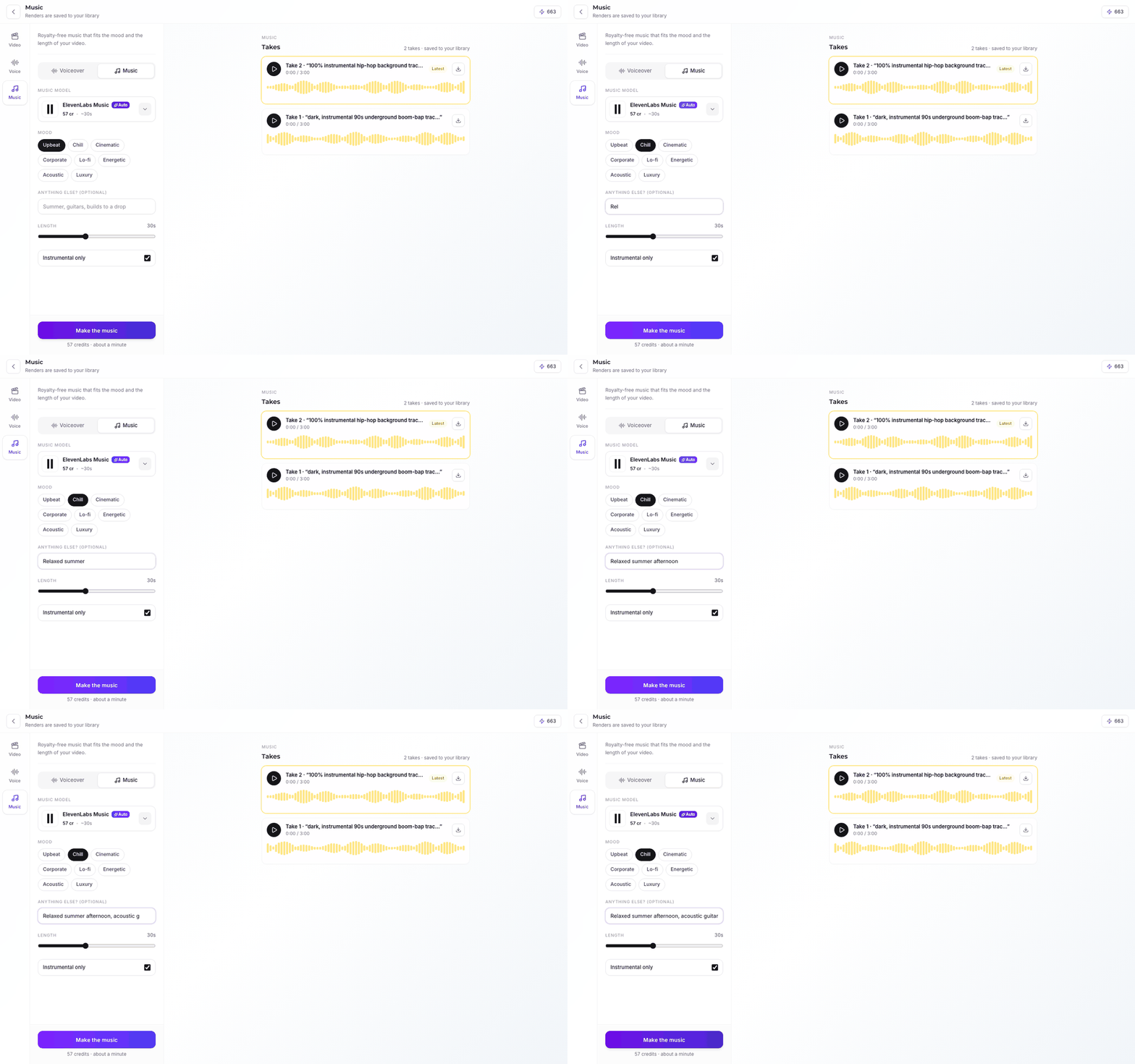
Pick a mood, add a hint, and check the price on the button
1
Open Background music
In Studio → Voice & music, choose Background music.
2
Pick a mood and length
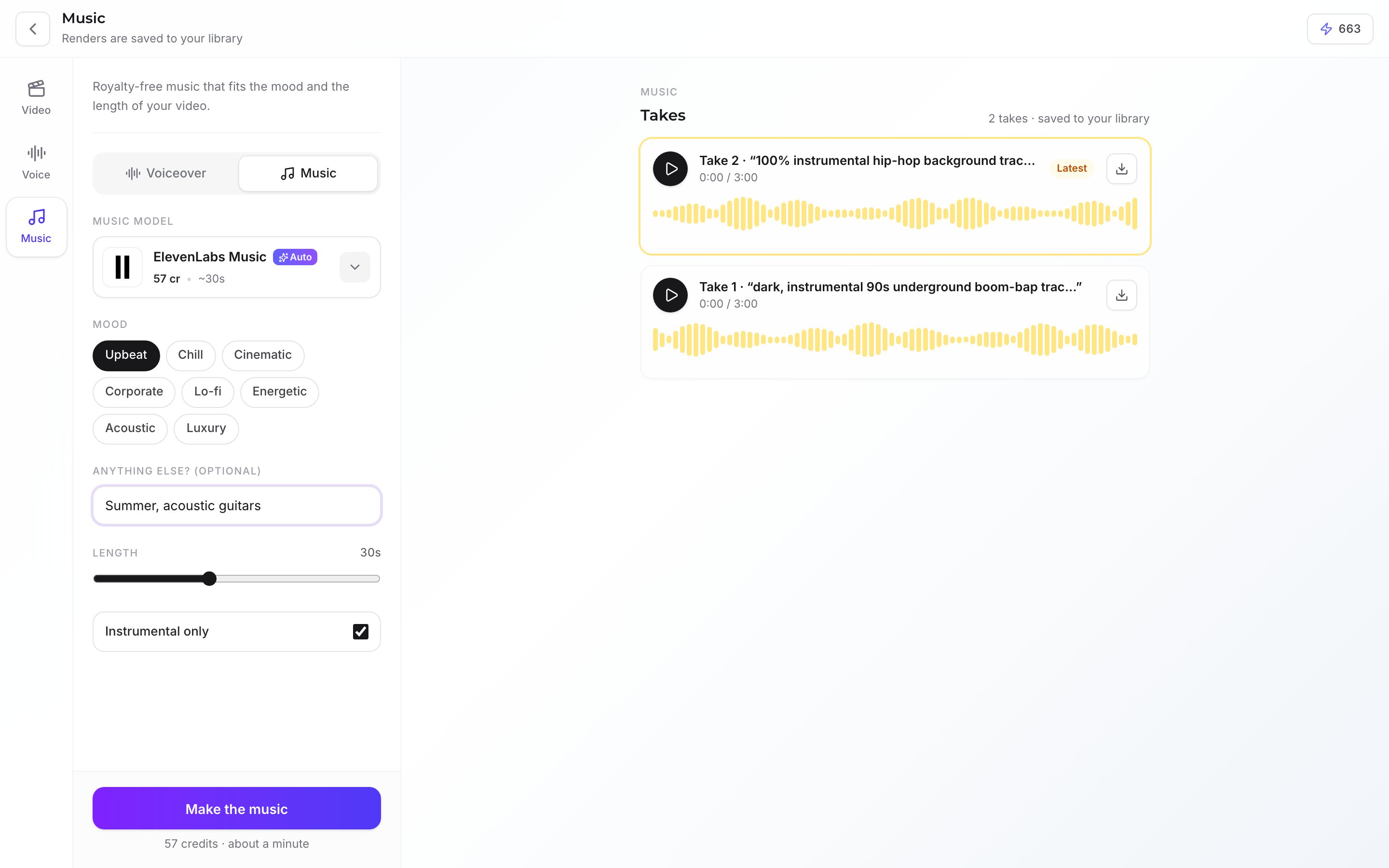
Moods: Upbeat, Chill, Cinematic, Corporate, Lo-fi, Energetic, Acoustic, Luxury. Match the length to your video.
3
Add detail (optional)
Under Anything else?, add a hint like summer, guitars, builds to a drop. Instrumental only is on by default; untick it if you want vocals.
4
Compose
Click Make the music. It costs about 57 credits and takes about a minute. Every render is kept under Takes.
Background music